


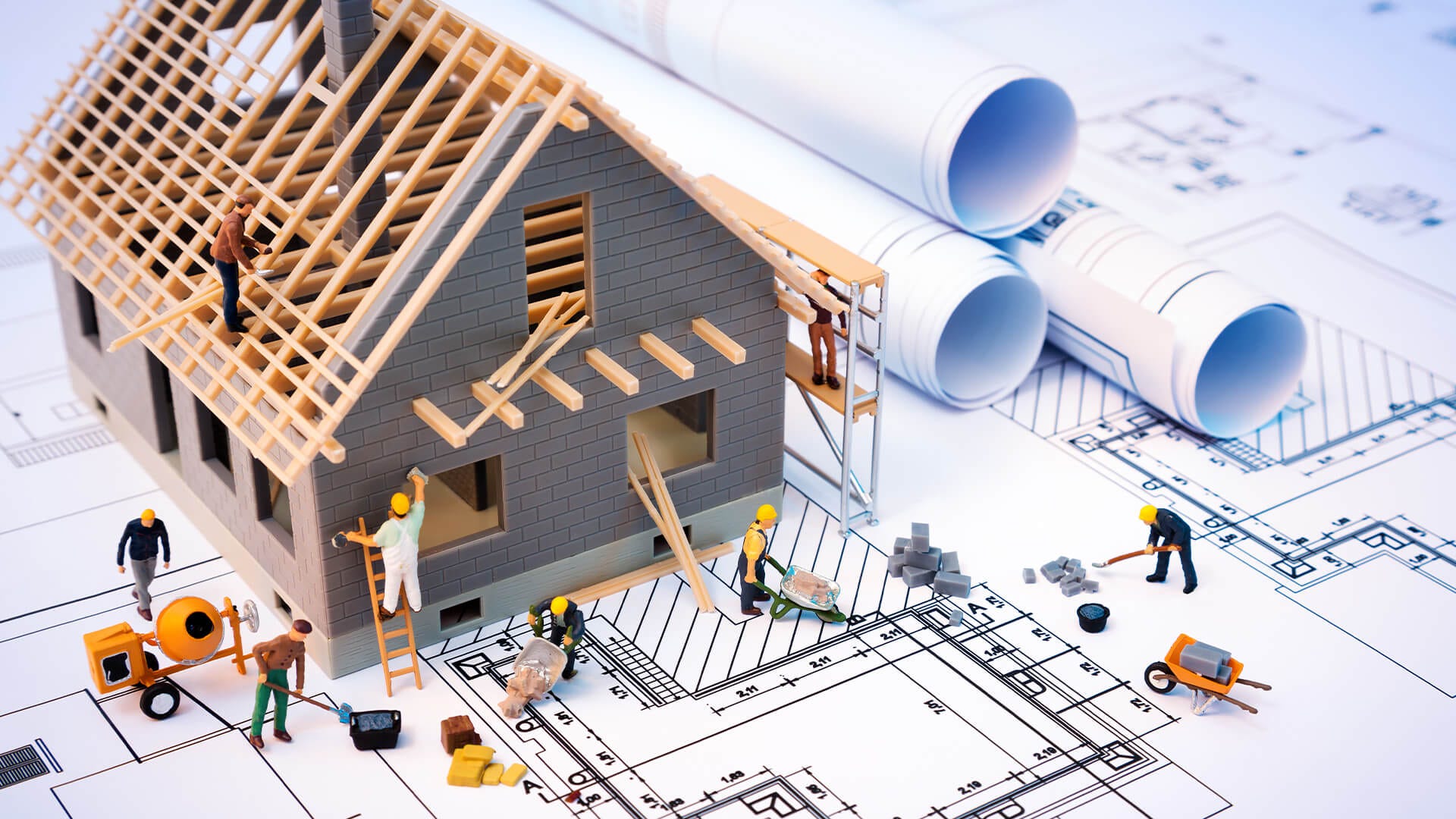
I’ve spent almost 20 years in the active practice of technical strategy, planning, designing, and launching huge, reliable systems. I’ve personally drawn the blueprints for over 1,000 products, many of which now serve millions of users across the world. That experience taught me one crucial thing the blueprint is everything.
Welcome to the start of a critical journey in your engineering career. System Design is where the rubber meets the road it’s the process of turning a great idea into a working, fast, and easy-to-manage product.
You might be excellent at coding a single function or building a front end, but a system designer is the one who steps back and draws the map for how all the pieces fit together.
This first post will simplify system design. We’ll define the basic concepts, show you where this skill belongs in software engineering, and explain why it’s the most important skill for moving from a junior role to a senior one. Think of this as getting your architecture license before you start building skyscrapers.
What is System Design and Where Does it Fit?
At its core, system design is the process of planning the structure, parts, connections, and data of a system to meet its goals. It’s not just about writing code it’s about making smart, high level choices that affect how well the product works, how much it costs, and how long it lasts.
In the software development lifecycle, system design is the bridge between what you want and how you build it.
Before Design Product teams figure out the what - what the system must do for the user.
During Design The system designer figures out the how - how it will be built, what tech will be used, and how all the parts will talk to each other.
After Design Engineers write the code following the design map.
If you try to build a complex structure without a plan, you will inevitably end up with massive fixes later on, slow performance, and a system that falls apart when too many people use it. A great design makes sure you solve the right problem with the right set of tools.
Essential Definitions The Design Dictionary
To understand system design, you need to be familiar with a few key words that describe the structure of any digital product.
System
A system is a group of parts that work together to form a complete whole. It exists to get a specific job done.
A Car can be a great example of a Real World System. It’s a collection of the engine, wheels, steering, and electric parts that work together to achieve transportation.
Similarly, an online gaming service is a complex system. It includes the parts that handle user logins, the parts that track game scores, the servers that run the game itself, and the database that stores everything. They all must work together smoothly.
Architecture
The architecture is the fundamental way a system is organized. It’s seen in how its parts are organized, how they connect, and the rules that guide its construction and future changes. It is the big picture structure that defines the system’s ability.
The architecture of a building might be a small cabin or a huge medical center. This choice sets the limits on how much load it can bear and how complex it will be to add new sections later.
Similarly, choosing between a monolithic architecture (all code in one big service) or a microservices architecture (code broken into many small, independent services). This is one of the most important choices you will ever make.
Components
Components are the smaller, separate pieces of the system that you can easily swap out. They handle specific tasks and communicate with other components using defined connections (APIs).
In a medical center, components are the air conditioning units, the operating rooms, the X-ray machines, and the main power supply. Each piece does one job well.
Similarly, a database part (like MySQL), a caching layer part (like Redis), a Load Balancer component, or an API Gateway component. Breaking down a system into separate components is vital for maintainability.
The Blueprint Analogy Designing the Digital House
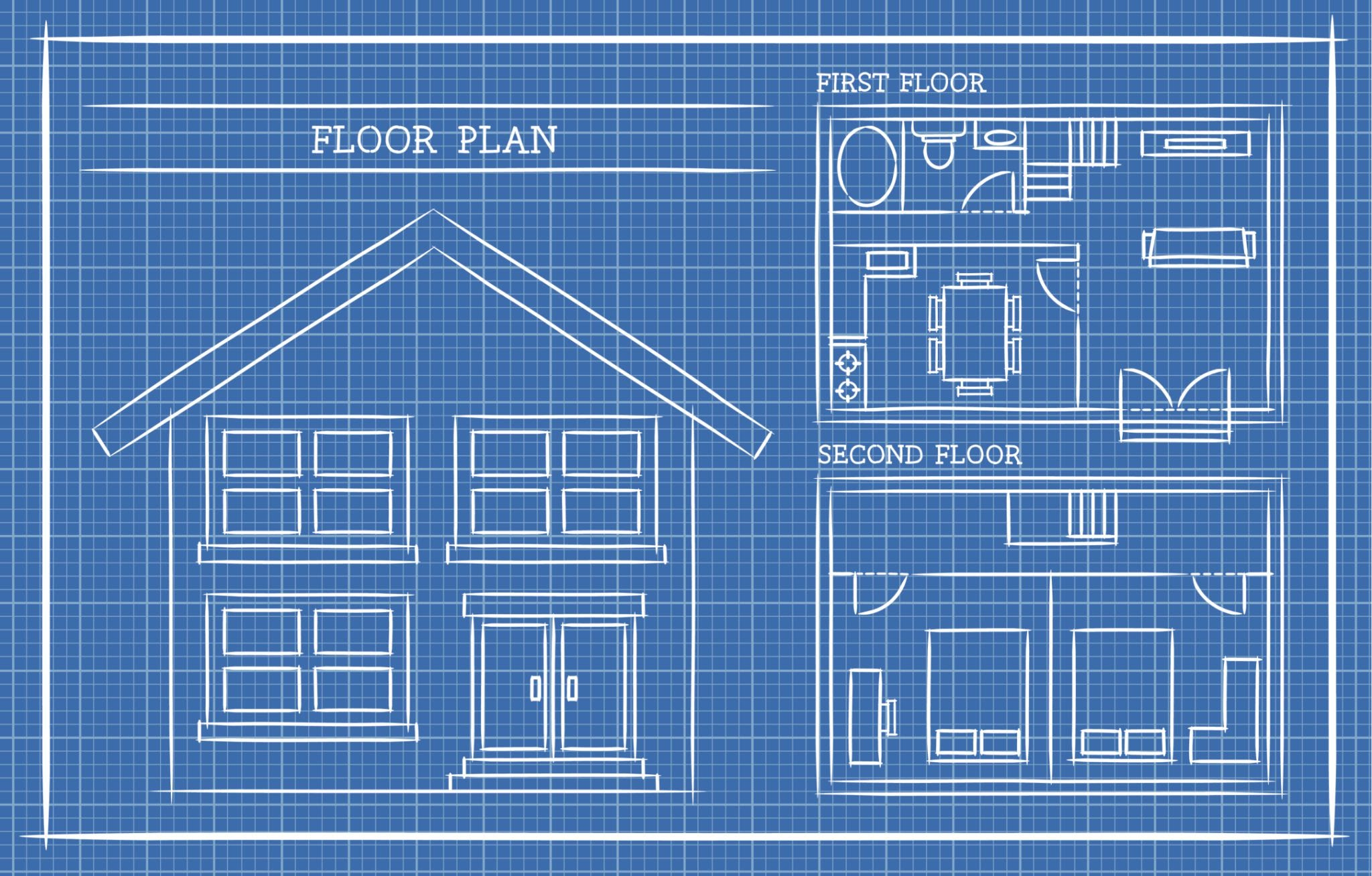
The most helpful way to understand system design is to compare it to building a large building or structure.
Requirements
Defines the functional needs (what it must do) and quality needs (how fast, strong, or secure it must be).
Same as when your plan for building, create a basic list of needs and wants for example, do you need two bedrooms or a thousand offices? Does it need to survive an earthquake?
Architecture
Defines the core strength, cost, and long-term possibilities of the build.
Similar to choosing wood-frame vs. steel-reinforced concrete structure when planning your house.
Components
Separate parts that do essential, focused jobs and must be chosen carefully.
In your building, the walls, foundation, electrical wiring, and plumbing pipes are the components you care the most.
Scalability
How the system handles huge growth in users, data, or processing needs.
Similar to adding new wings to the building or constructing a new, identical building next door.
Maintainability
Ensures the system is easy for a new team to update, fix bugs in, and improve over many years.
For example, using standardized parts and making sure the pipes are easily accessible for repair.
Skipping the blueprint, the system design phase, and just starting to code means you might build a beautiful piece of code, but the whole structure might be too weak or too small for what the owner actually needs down the line.
The Three Pillars Speed, Reliability, and Simplicity
In almost every system design problem, your key decisions will center on improving these three required qualities. These are the main ways we measure if a modern system is successful.
Pillar 1. Scalability (Handling Growth)
Scalability is the ability of a system to handle a growing amount of work. As your users jump from 1,000 to 10 million, your system must grow without needing to be completely rebuilt. This is usually measured in requests per second or how many users can be online at once.
The main idea behind scaling is moving past using just one machine.
Vertical Scaling (Scaling Up) This means making one server stronger by adding more resources (CPU, RAM, faster disk). It is easy, but it is expensive and has a hard limit. One server can only get so powerful.
Horizontal Scaling (Scaling Out) This means adding more identical, smaller servers and dividing the work among them. This is more complex to set up but offers almost limitless power and is cheaper over time. This is the best way to build modern web systems.
Pillar 2. Availability (Staying Online)
Availability is the percentage of time a system is fully working and online. High availability means the system can keep working well even when parts break.
It is often measured in “nines”
99.9% Availability (Three Nines) means approx 8.7 hours of downtime per year.
99.999% Availability (Five Nines) means approx 5.26 minutes of downtime per year.
For a huge company like a major social media platform, even a few minutes of downtime can cost millions. Availability is achieved mainly through redundancy.
Means, having backup components ready to instantly take over if the main component fails. If you have two application servers running, and one crashes, the other one immediately takes over, and the user never sees an error. We will look closer at this when we talk about reliability.
Pillar 3. Maintainability (Ease of Change)
Maintainability is how easy it is to change, fix, or improve a system. This involves handling old, messy code (often called technical debt) and ensuring that a system built today is easy for a new engineer to understand and update a year from now.
A system with low maintainability quickly becomes a nightmare. Every small fix creates two new bugs, and adding a simple feature requires complicated changes across ten different parts.
Modular Design The secret to maintainability is splitting the system into parts or services that are highly independent. If a component only has one job and doesn’t affect others, it’s easy to update or remove it safely.
Observability A maintainable system is also easy to watch. This means using logging, metrics, and tracking tools to understand what the system is doing, why it failed, and where things are slowing down. You can’t fix what you can’t see.
Why This Matters for Your Career?
From a hiring manager’s point of view, system design is the one skill that lets you move up to top jobs, like Senior Engineer, Staff Engineer, or Architect. A great system designer isn’t just someone who writes good code, but someone who builds great products that last and bring in revenue.
It’s the difference between
Coding - How to write an efficient step-by-step process to sort data.
System Design - Where that data should be kept (in a local database or across many distributed servers), how it should be accessed (quick call or background process), and how sure we need to be that the data is always 100% correct.
The ability to look at the whole picture, to balance speed against cost or reliability against complexity, is what changes you from someone who writes code to someone who makes key decisions. Master these basics, and you unlock the next level of your career.
The Next Step
System design is not magic it is a clear, ordered way to solve difficult technical problems. It begins with understanding what a system is, what its parts are, and the crucial rules of scalability, availability, and maintainability. Every system we design will be judged by how well it delivers on these three pillars.
Before we can design even a single part, however, we need to know exactly what we are building and what limitations we face. That is the subject of our next post.
In the next blog post, we will dive into the practical first step of any design effort “Understanding Requirements and Constraints.” We’ll learn how to take vague product ideas and turn them into clear, measurable goals that will guide every one of your technical decisions.